Drag & drop your Amazon invoice PDF here
or
Uploaded PDFs (up to 10):

Crop Amazon shipping label with SKU Print on Label feature. Optimized for thermal printing and smart SKU grouping.
Drag & drop your Amazon invoice PDF here
or
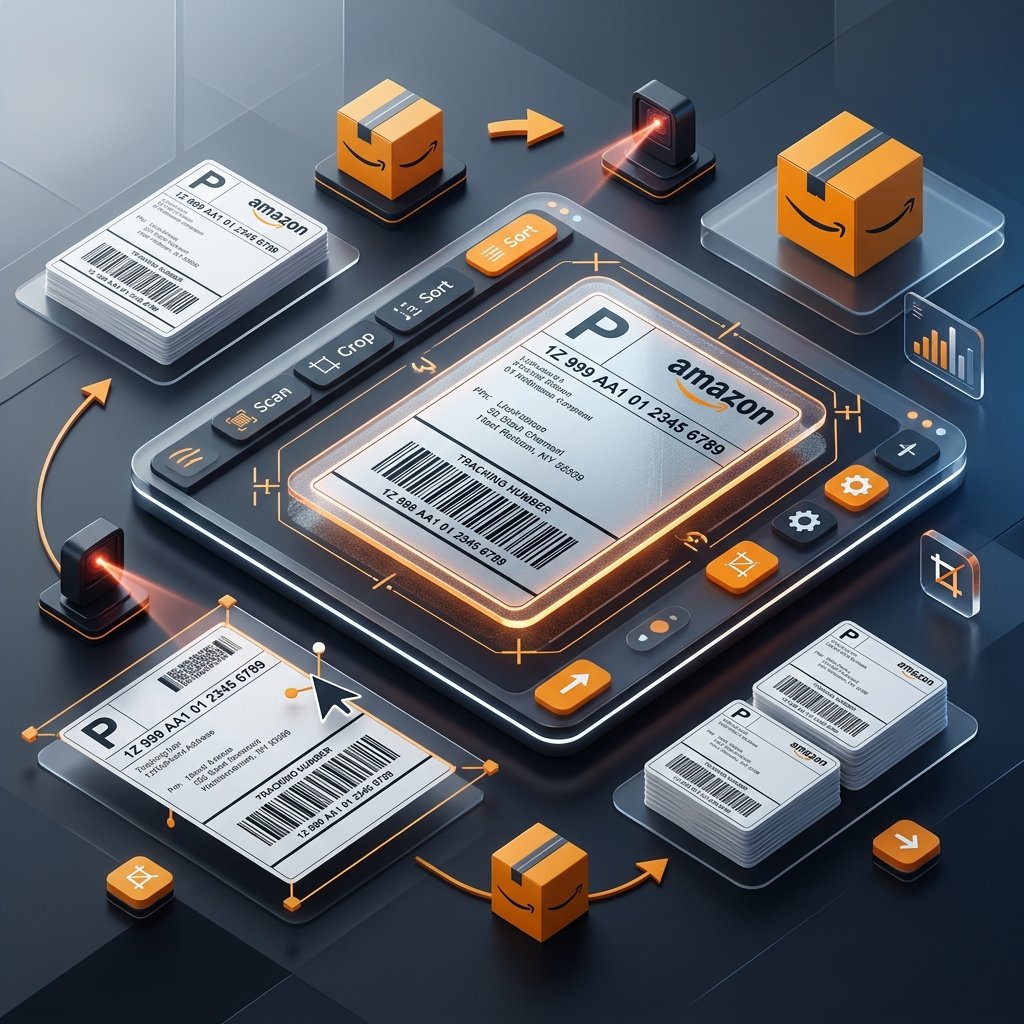
If you sell on Amazon Easy Ship or handle FBM (Fulfillment by Merchant) orders, you are likely familiar with the daily hassle of preparing shipping documents. When you download a batch of labels from Amazon Seller Central, they usually come compiled in a massive PDF sheet filled with blank paper and margins. If you print these directly onto A4 paper, you end up wasting expensive adhesive sticker sheets, while manually cutting them with scissors wastes hours of warehouse packing time. Our free online Amazon label crop tool is designed specifically to solve this. It processes your bulk shipping labels entirely inside your local browser, crops the shipping barcodes cleanly, and outputs them in formats perfectly optimized for thermal roll printers or split sticker sheets.
This web tool goes beyond simple automated cropping. We built smart features like SKU Batch-Grouping, which scans the item SKU details inside the raw PDF data and groups identical items consecutively. Your picking team can grab matching inventory stock in one go rather than making repeat trips. Our popular SKU Print on Label option extracts the exact SKU name and prints it directly below the barcode, allowing your packing staff to label the correct boxes instantly. This prevents wrong-product shipments and protects your seller performance metrics from expensive customer return claims.
E-commerce businesses operate with a variety of printer setups and packaging station layouts. Check this compatibility reference to select the mode that perfectly fits your printing equipment and adhesive media size before generating your PDF:
| Crop Mode | Target Hardware | Optimal Media Size | Primary Advantage |
|---|---|---|---|
| Single Label | Thermal Printers (TVS, Xprinter, Zebra) | 4" x 6" (100mm x 150mm) or 4" x 4" | 100% scannable barcode quality |
| Invoice (A4) | Desktop Laser & Inkjet Printers (HP, Canon) | Standard A4 Sheets | Extracts neat client-facing bills |
| 4 Labels (A4) | Laser/Inkjet Desktop Systems | A4 Sticky Label Sheets (4-in-1) | Saves up to 75% on sheet consumption |
Log in to your Amazon Seller Central dashboard, navigate to your pending merchant orders, and download your bulk shipping documents. Drag and drop the original PDF straight into the secure processing box above. Because your business security is our absolute priority, our script runs 100% client-side inside your browser. No files are uploaded to our servers, keeping your address and order details completely private.
Choose the format that matches your office printing setup. For a thermal roll printer (like Xprinter, Zebra, TSC, or TVS), choose Single Label Mode. If you are using standard home/office laser printers but print on split sticker layouts, select 4 Labels (A4) Mode. If you need to separate and print tax invoices, click Invoice (A4) Mode. You can also customize details like printing the order date or customer comments at this step.
Make your packaging station run like clockwork with our built-in sorting logic:
Click on Process PDF. Within milliseconds, our browser-based script processes your bulk PDF and starts an automatic download of the optimized PDF. Open the downloaded file, access your system's print dialog, choose the correct media size (like 4x6 inches or 100mm x 150mm), set margins to None, and choose Fit to Printable Area or Scale to 100%. This ensures that the barcodes are perfectly positioned and fully scannable at Amazon warehouses.
Don't let blank margins drain your business profits. Our automatic padding remover maximizes every square inch of your adhesive rolls or sheets. High-volume Amazon sellers cut their sticker sheet and thermal roll expenses by up to 60% immediately upon implementation.
Unlike other converters that ruin quality, our tool preserves the exact quality of your original PDF. This ensures the barcode lines, customer addresses, and carrier routing codes remain incredibly sharp and 100% scannable by courier ATS scanning guns.
Couriers scan correctly cropped labels instantly. Avoid package transit delays, pickup failures, or hub rejections caused by blurry barcodes, cut-off margins, or tiny unreadable tracking details.
Our tool requires the original PDF to work correctly. Ensure you are uploading the original, primary PDF downloaded straight from the Amazon Seller Central. Avoid using screenshots, scans, or highly compressed versions.
This usually occurs due to incorrect browser margins. During the final printing phase, set Margins to None and adjust the scaling slider to Fit to Printable Area or Fit to Paper.
Open your operating system's printer preferences, define a custom paper size of exactly 100mm x 150mm (or 4" x 6"), and ensure the paper sensor is properly calibrated to detect the label gaps.