Drag & drop your Snapdeal invoice PDF here
or
Uploaded PDFs (up to 10, max 100 MB):

Crop Snapdeal shipping label and invoice. Optimized for thermal printers with smart SKU and logistics sorting.
Drag & drop your Snapdeal invoice PDF here
or
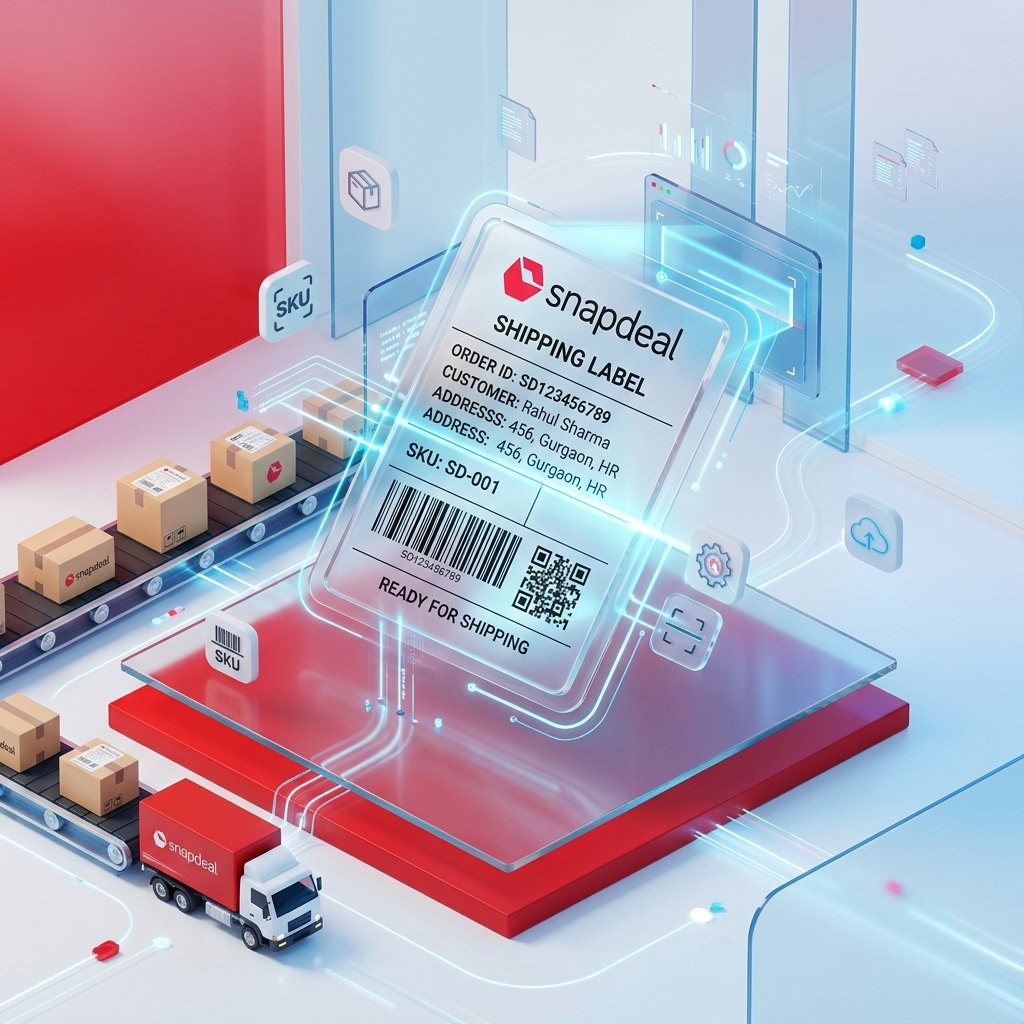
Selling on Snapdeal offers incredible opportunities to expand your reach, but daily order processing can easily become a massive bottleneck in your warehouse operations. Standard Snapdeal shipping PDFs contain wide white margins that waste expensive adhesive label rolls and demand slow, tedious manual cutting with scissors. Our free online Snapdeal label crop tool is designed specifically to optimize your packing efficiency. By analyzing and cropping PDF files directly within your browser, it strips away empty space and outputs standard, high-resolution labels formatted perfectly for 4x4 or 4x6 thermal printer rolls.
Beyond simple automated cropping, our utility includes powerful features to maximize your shipping throughput. The Smart SKU Sorting option automatically reads your order documents and groups identical items consecutively. This allows your team to pick items in bulk rather than making separate journeys across warehouse aisles. Additionally, the Logistics Partner Sorting dynamically clusters labels by shipping network (such as Delhivery, Ecom Express, or Shadowfax), enabling instant handovers to courier partners and keeping your seller dispatch rating pristine.
Different seller stations utilize distinct equipment, from heavy-duty industrial thermal printers to standard desktop laser or inkjet systems. Refer to this compatibility grid to select the perfect mode before processing your order files:
Go to your Snapdeal Seller Portal, navigate to the pending shipment section, and download your bulk labels PDF. Drag and drop the original vector PDF file directly into the secure upload area above. To ensure ultimate business security and complete data privacy, our platform performs all processing locally inside your web browser. No seller data or invoices are uploaded to external servers.
Choose the format matching your physical print media. For adhesive-fed thermal printer rolls (such as TSC, Zebra, or TVS), select Single Label Mode. If you print onto multi-split adhesive A4 sticker sheets using inkjet or laser systems, select 4 Labels (A4) Mode to save stationery paper and prevent wastage.
Organize your packing station and eliminate incorrect order dispatches using our integrated options:
Click on the Process PDF button to start an instantaneous browser download of the optimized PDF document. Open the file in your print application, choose your target media dimension (like 4x4 inches or 100mm x 100mm), set margins to None, and check Fit to Printable Area or Scale to 100%. This guarantees barcodes remain completely scannable at local Snapdeal sorting centers.
Stop wasting expensive adhesive labels on blank spacing. By trimming margins and consolidating outputs, Snapdeal sellers successfully cut paper and station costs by up to 50 percent immediately.
Unlike other converters that ruin quality, our tool preserves the exact quality of your original PDF. This leaves address text and tracking barcodes extremely sharp, preventing transit delays at courier hubs.
By grouping labels by assigned courier, parcel sorting is done instantly at the packaging table. Hand over parcels in pre-sorted stacks to courier pickup boys, preventing wrong deliveries and dispatch friction.
Our tool requires the original PDF to work correctly. Ensure you are uploading the original, primary PDF downloaded directly from the Snapdeal Seller Portal. Avoid using screenshots, scans, or highly compressed versions.
This usually occurs due to incorrect browser margins. During the final printing phase, set Margins to None and adjust the scaling slider to Fit to Printable Area or Fit to Paper.
Open your operating system's printer preferences, define a custom paper size of exactly 100mm x 100mm (or 4" x 4"), and ensure the paper sensor is properly calibrated to detect the label gaps.