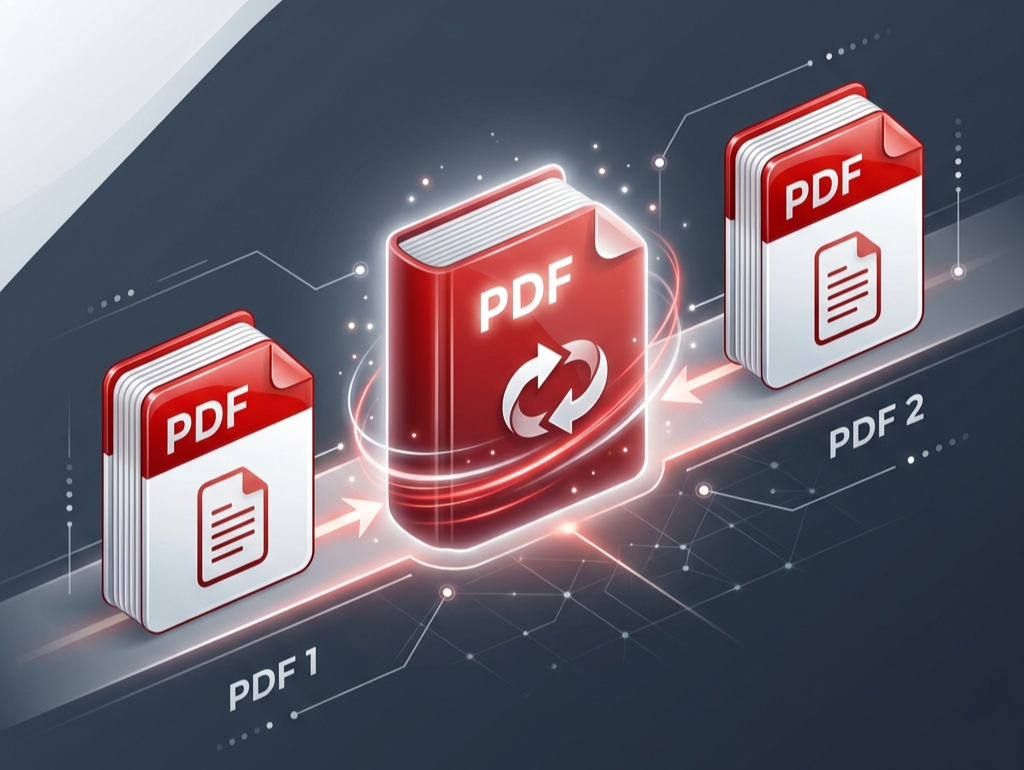




Drag & drop multiple PDF files here
or
Explore Our AI Tools
How to Merge PDF Files Online
1 Upload Your PDF Files
Begin by selecting the files you wish to merge. You can click the upload button or simply drag and drop multiple documents directly into the area. Our secure browser-based tool effortlessly handles bulk uploads without crashing.
2 Arrange Sequence
Once uploaded, your PDFs will appear in a grid. Simply drag and drop the file cards to arrange them in the exact order you want them to appear. Need to remove one? Click the cross icon.
3 Process & Download
After finalizing your sequence, click the "Merge PDFs" button. Our script will securely bind your files strictly in the requested order. Hit download to save your new consolidated PDF instantly.
Combine PDF Files Online - Real World Solutions
Merging PDFs isn't just about sticking two pages together; it's about solving daily workflow bottlenecks. Use our platform to streamline your document management, whether you are printing shipping labels or sending compiled reports.
1. Print Multiple Shipping Labels in One Click
If you are an e-commerce seller on platforms like Meesho, Flipkart, or Amazon, printing 50 separate label PDFs individually takes forever because the thermal printer pauses and spools for every single file. By dragging all your downloaded labels into our tool, you create one master PDF. This means you only issue a single print command, and your thermal printer will print all your labels continuously without any delays.
2. Maintain Original 4x6 Label Dimensions
If you generate 4x6 shipping labels using a crop tool, you can seamlessly combine all of them here. Our PDF engine reads the individual properties of each page. It preserves the exact 4x6 dimension and barcode resolution perfectly, ensuring every label prints in the exactly intended size without any blurry text or messy blank pages.
3. Combine Scattered KYC & Tax Documents
Filing GST returns or applying for vendor registrations usually requires multiple documents like a PAN card, Aadhar, Bank statements, and GST certificates. Submitting 10 scattered PDFs is risky and looks unprofessional. Use the merger to compile them into a single, unified document. It guarantees the receiver views everything in exactly the order you intended without missing attachments.
4. Visual Drag-and-Drop Reordering
Did you accidentally upload the December invoice before November? There's no need to cancel and start over. Our visual grid system features a dynamic drag-and-drop interface. Simply click, hold, and drag any PDF card left or right to reorder your sequence. The final downloaded document will be permanently merged strictly in the visual order displayed on your screen.
5. Combine E-Way Bills & Tax Invoices for Transporters
When dispatching wholesale goods via transporters like Gati, VRL, or Safexpress, drivers demand both the Tax Invoice and the physical E-Way Bill together. By dropping your Tax Invoice PDF and E-Way Bill PDF into our joiner, you create a seamless transport packet. Print this single merged file ensuring no paperwork ever gets misplaced during transit.
6. Merge Front and Back Scans of ID Cards
Have you scanned the front of your PAN card into one PDF and the back into another? Submitting them separately to loan portals often leads to application rejection. Upload both individual scans here, arrange the front page first and the back page second, and merge them into a cohesive, single identity proof document that any verification portal will accept instantly.
7. Compile Professional Business Proposals
When pitching to a corporate client, sending a scattered email with 5 different attachments (Cover Letter, Company Profile, Technical Quotation, Commercial Terms, and Case Studies) looks disorganized. First impressions matter. Use our tool to merge all these individual business documents into one seamless, strictly-ordered "Project_Proposal.pdf". Your clients can read the entire pitch in a single continuous scroll, significantly increasing your chances of closing the deal.
8. Combine Income Tax Returns and Investment Proofs
Filing taxes requires sharing multiple forms with your CA, including your Form 16, past ITR acknowledgments, LIC/PPF investment proofs, and rent receipts. Sending these as 10 separate WhatsApp documents is messy and confusing. Merging them into a single "Tax_Documents_2026.pdf" ensures your Chartered Accountant has everything chronologically sorted in one file, greatly speeding up your tax filing process.
9. Consolidate Real Estate Property Deeds
If you are buying or selling a property, the paperwork is overwhelming. You have the Sale Agreement, Society NOCs, Tax Receipts, and stamped floor plans saved as different PDF chunks. Merging these critical documents into one unified file makes securely storing them or sharing them with your bank or lawyer incredibly hassle-free.
10. Compile Academic Research Papers & Notes
University students and researchers often download various academic journals, scanned textbook chapters, and digital lecture notes. Trying to study from 15 different scattered files during exam week is frustrating. Combine all your materials for a specific subject into one continuous study guide PDF so you can read and revise everything from top to bottom continuously.
Core Benefits for Users
- Zero Quality Loss: The tool uses lossless stitching. Vectors, text, and barcodes remain exactly as crisp as the original files without any pixelation or compression.
- No Layout Distortion: Merging files together will not shrink your original margins. A 4x6 label stays exactly 4x6, and an A4 page remains perfectly A4.
- Instant Processing Speed: Because the tool leverages your device's RAM/CPU directly, you don't have to wait for tedious upload and download progress bars.
- Large Document Support: Because the tool works locally, you don't have to upload heavy files. You can combine 500-page ebooks or high-resolution architectural prints effortlessly.
- Smart Visual Sorting: Don't play a guessing game with filenames. Generating visual thumbnails allows you to be 100% sure of your page sequence before hitting merge.
Frequently Asked Questions
How many PDF files can I merge at once?
To maintain optimal performance and prevent your browser from slowing down, our system is optimized to merge up to 20 PDF files in a single batch.
Are my confidential bank statements secure here?
Yes, absolutely. Since this is a client-side tool, your files are never uploaded to any external server. All merging calculations happen locally inside your own browser window guaranteeing 100% data security.
Does it work with password-protected PDFs?
Due to strict encryption protocols, you must first remove the password from an encrypted PDF. The easiest way is to open the PDF in your browser and select "Print to PDF" to save an unlocked copy, which you can then freely merge.
Will merging shrink my page formatting or crop edges?
No. Our rendering engine strictly reads the individual properties of every single object and page. It stitches the files together flawlessly without altering any original margins, fonts, or image resolutions.