Drag & drop your Flipkart invoice PDF here
or
Uploaded PDFs (up to 10):

Free auto-crop for Flipkart shipping labels and invoices. Optimized for thermal printing and smart SKU sorting.
Drag & drop your Flipkart invoice PDF here
or
As a Flipkart seller, dispatching bulk orders before your daily pickup cutoff can be incredibly stressful. Standard Flipkart PDF shipping labels include large blank margins, forcing you to manually trim them down using paper cutters or scissors. Our free online Flipkart label crop tool is built to solve this problem entirely. By processing your document directly inside your browser tab without any external cloud uploads, it isolates shipping tags and crops out unused whitespace in a single click, preparing perfect sheets ready for your TVS, Zebra, TSC, or Xprinter thermal roll printer.
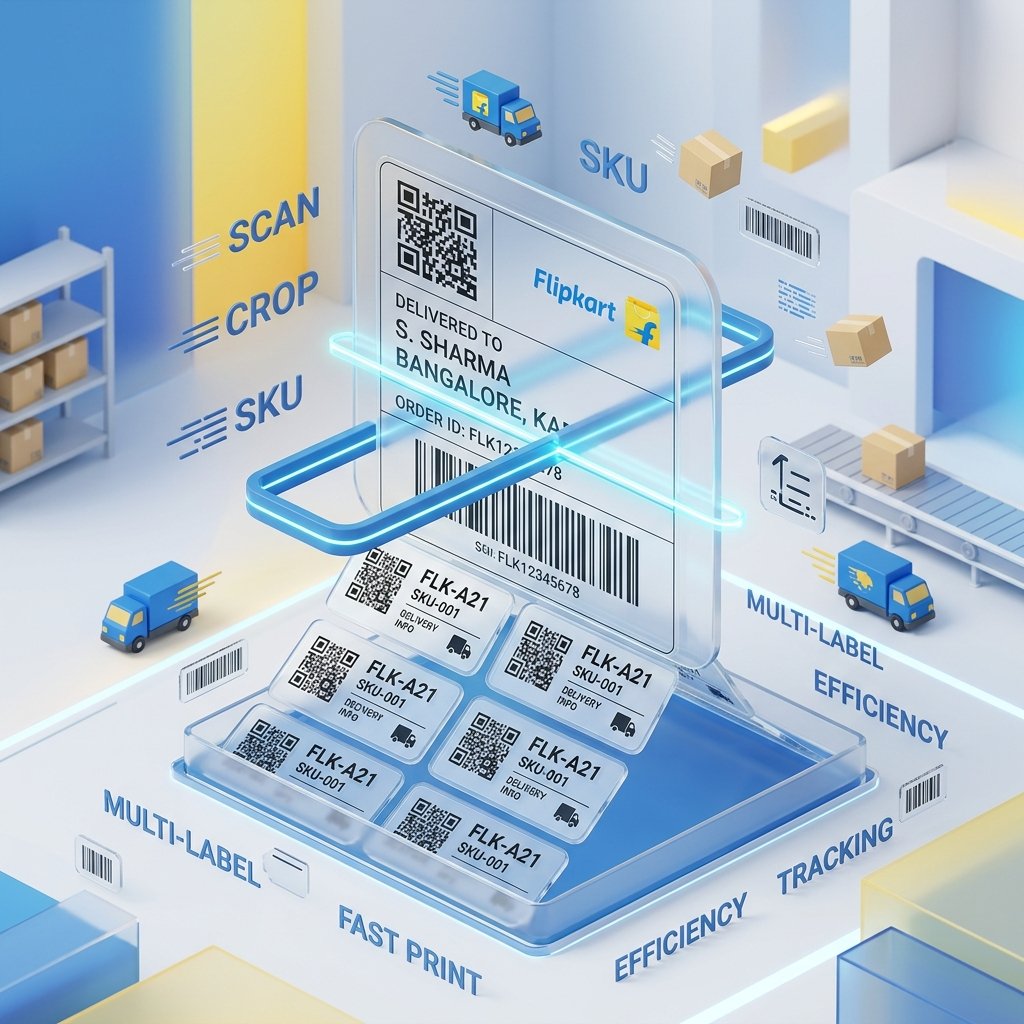
Open your Flipkart Seller Hub dashboard, navigate to the active orders tab, and download your pending bulk shipping labels. Drag and drop up to 10 separate label PDFs into our dotted upload frame above. Since all processing happens right inside your browser, your customer addresses, sales figures, and inventory details are completely secure and private.
Select the layout style that perfectly matches your warehouse hardware:
Streamline your packaging desk speed by taking advantage of our advanced order-sorting configurations:
Click on Process PDF. Within seconds, our tool processes your bulk PDF and starts an automatic download of the optimized PDF. Open the downloaded file, access your system's print dialog, choose the correct media size (like 4x6 inches or 100mm x 150mm), set margins to None, and choose Fit to Printable Area or Scale to 100%. This ensures that the barcodes are perfectly positioned and fully scannable at Flipkart hubs.
Do not let empty paper margins waste your packaging budget. Auto-margin elimination lets you fit more labels gridwise on sticky sheets or thermal rolls, helping Flipkart sellers save up to 50% on printing accessories.
Our tool preserves the exact quality of the original barcodes. This keeps the barcode lines perfectly crisp and dark, ensuring smooth scanning at the EKart logistics hub and preventing package rejections.
Compile your PDF with smart SKU batching and courier grouping. Your dispatch team can pack orders of the exact same product consecutively and stack bags neatly by courier partner, accelerating warehouse dispatch speed by up to 3x.
Solution: Avoid using PDF screenshots, compressed copies, or mobile snaps. Our system requires the original vector PDF file downloaded directly from the Flipkart seller platform.
Solution: Ensure you check your browser print layout window and set target Scale to Fit to Printable Area or Scale to Fit Page.
Solution: Go to printer system properties, specify custom sheet size of exactly 100 by 150 mm, and ensure margins are set to 0.