Amazon Seller Central is the interface used by merchants to market and sell their products to Amazon customers. Accessing this dashboard securely is critical for managing your inventory, pricing, and orders. This guide will help you log in safely and troubleshoot any access issues.
Steps to Login to Amazon Seller Central
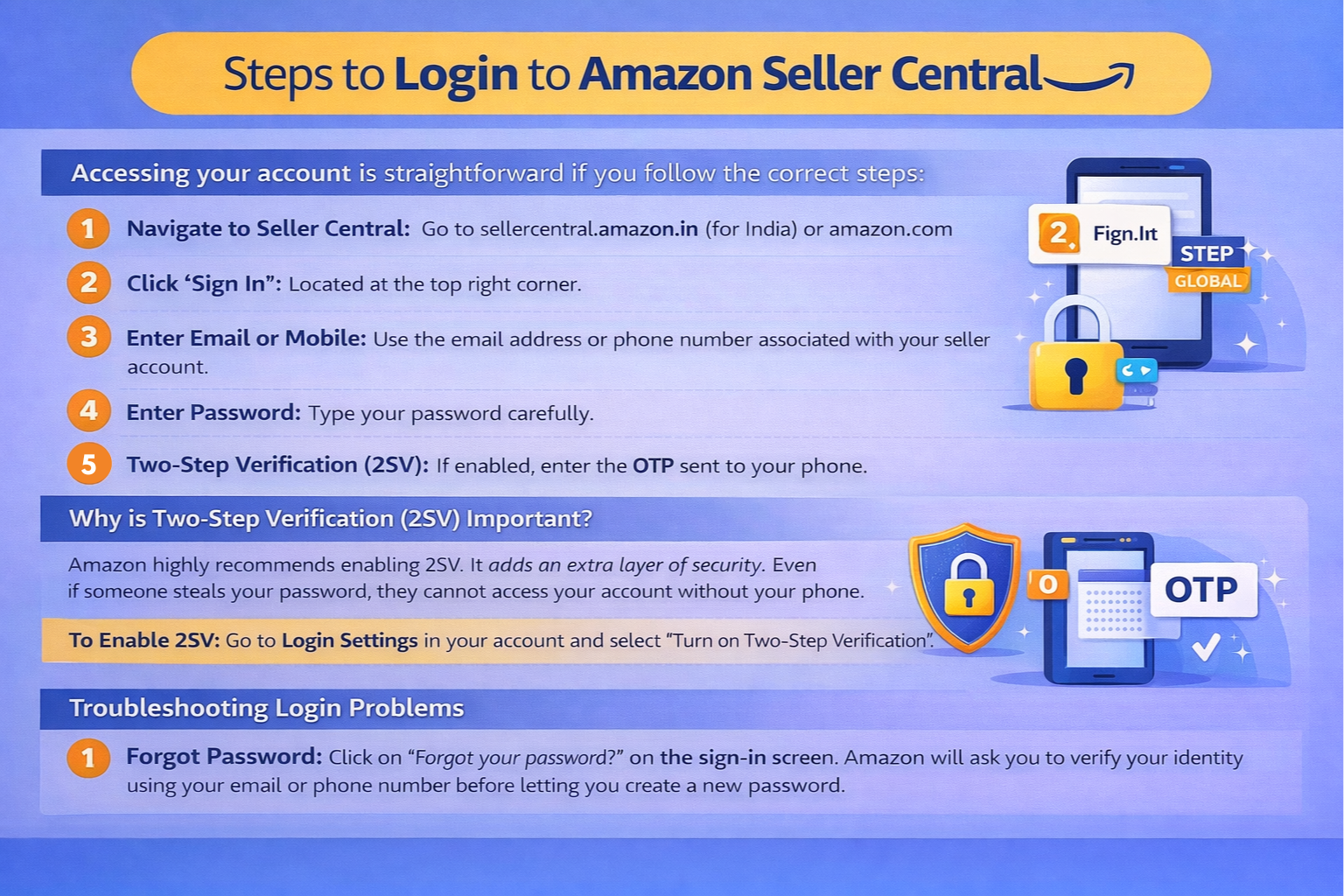
Accessing your account is straightforward if you follow the correct steps:
- Navigate to Seller Central: Go to sellercentral.amazon.in (for India) or amazon.com (for Global).
- Click 'Sign In': Located at the top right corner.
- Enter Email or Mobile: Use the email address or phone number associated with your seller account.
- Enter Password: Type your password carefully.
- Two-Step Verification (2SV): If enabled, enter the OTP sent to your phone.
Why is Two-Step Verification (2SV) Important?
Amazon highly recommends enabling 2SV. It adds an extra layer of security. Even if someone steals your password, they cannot access your account without your phone.
To Enable 2SV: Go to Login Settings in your account and select "Turn on Two-Step Verification".
Troubleshooting Login Problems
1. Forgot Password
Click on "Forgot your password?" on the sign-in screen. Amazon will ask you to verify your identity using your email or phone number before letting you create a new password.
2. "Account Deactivated" Error
If you see this message, check your email for a notification from Amazon. It usually happens due to missing documents or policy violations. You will need to submit an appeal to reactivate it.
3. Multiple Accounts
If you have both a buyer and a seller account with the same email, ensure you are logging into the correct portal (Seller Central vs Amazon.in).
Using the Amazon Seller App
For sellers on the go, the Amazon Seller App is a lifesaver. You can manage orders, respond to messages, and check sales directly from your smartphone. Download it from the Google Play Store or Apple App Store and use the same credentials to log in.
5. Advanced Security Measures for Seller Accounts
Your Amazon Seller Central account is the gateway to your business revenue. A compromised login doesn't just mean a locked account—it could mean stolen disbursements. Beyond standard 2SV, implement these security habits:
- Authenticator Apps over SMS: While SMS codes are common, they are vulnerable to SIM-swapping attacks. Switch your 2-Step Verification to an Authenticator App (like Google Authenticator or Authy). It generates offline codes tied directly to your physical device.
- Separate Device/Network Strategy: If you are a high-volume seller, consider logging into Seller Central only from a dedicated laptop or a secure virtual private network (VPN). Avoid logging into public Wi-Fi at coffee shops without a VPN, as these networks are easily intercepted.
6. Managing User Permissions (Child Accounts)
Never share your primary admin email and password with your employees, virtual assistants (VAs), or prep-center staff. Instead, use Amazon's User Permissions feature:
- Go to Settings > User Permissions.
- Send an email invitation to your employee.
- Once they accept and create their own login, you can restrict their access. For instance, a VA optimizing listings shouldn't have access to your bank account details or the 'Payments' dashboard.
7. Avoiding Seller Login Phishing Scams
One of the most common ways sellers lose access to their accounts is through targeted phishing emails. Scammers send emails that look exactly like Amazon notifications, claiming "Action Required: Your Account is Suspended."
Golden Rule: Never click login links directly from an email. If you receive a scary warning, manually open a new browser tab, type in sellercentral.amazon.in, and log in securely. If the warning was real, it will immediately appear as a red flag inside your Performance Notifications dashboard.
Amazon Label Crop Tool
Instantly format and crop shipping labels for your thermal printers.
Conclusion
Properly managing your Amazon Seller Login protocols is the foundation of running a safe e-commerce operation. By using 2-Step Verification, managing sub-account permissions carefully, and staying alert for phishing scams, you protect your revenue from bad actors. Once your account is secure, you can focus on processing orders efficiently with our automated label cropping utilities.
Frequently Asked Questions
Navigate to sellercentral.amazon.in, click Sign In, enter your registered email/phone and password, and complete the 2-step verification if prompted.
It is an extra layer of security where Amazon sends an OTP to your registered phone number after you enter your password to prevent unauthorized access.
Click on Forgot your password on the login screen, verify your identity via email, and set a new secure password.
🚀 Grow Your Seller Account with Our Tools
Process labels 10x faster, calculate absolute profit metrics and improve product listings instantly!