The Meesho Supplier Panel is the heart of your selling business on Meesho. It is where you upload catalogs, track orders, check payments, and monitor your business growth. In this post, we will explain how to log in securely and what to do if you face any issues.
How to Login to Meesho Supplier Panel
Logging in is simple. You can use either a desktop or the mobile app.
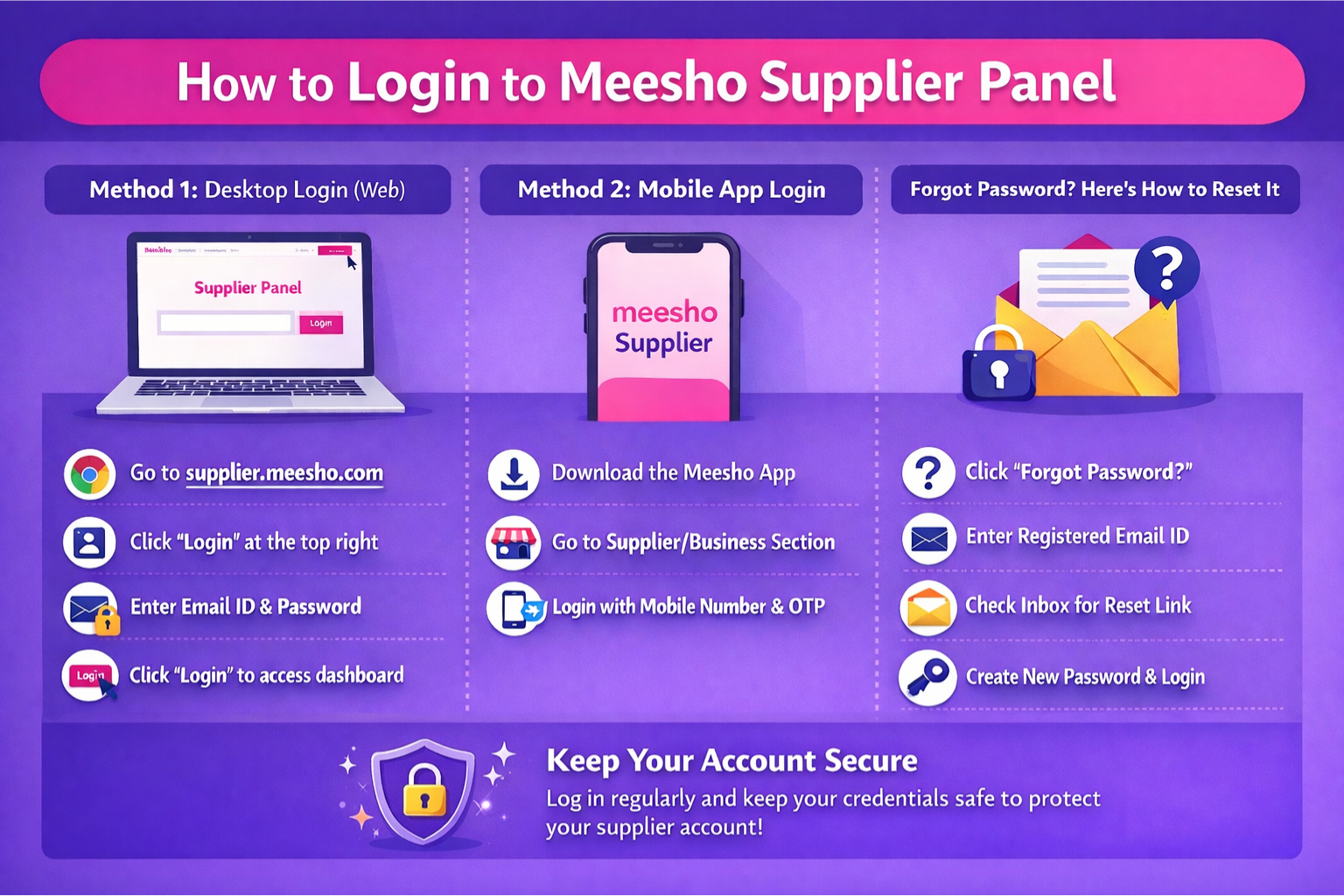
Method 1: Desktop Login (Web)
- Go to supplier.meesho.com.
- Click on the 'Login' button at the top right.
- Enter your registered Email ID and Password.
- Click 'Login' to access your dashboard.
Method 2: Mobile App Login
- Download the Meesho App (not just the shopping app, but verify supplier access features).
- Open the app and go to the Supplier/Business section.
- Login using your registered mobile number and OTP verification.
Forgot Password? Here's How to Reset It
If you cannot remember your password, follow these steps to recover your account:
- On the login page, click 'Forgot Password?'.
- Enter your registered Email ID.
- Check your email inbox for a password reset link sent by Meesho.
- Click the link and create a new password. Login again with the new credentials.
Common Login Problems
1. Invalid Credentials
Double-check your email spelling and ensure Caps Lock is off while typing the password.
2. Email Not Verified
If you just created an account, make sure you have verified your email address via the verification link sent during registration.
3. Account Suspended
If you cannot login and suspect your account is blocked, contact supplier@meesho.com immediately. This usually happens due to high return rates or policy violations.
Exploring the Dashboard
Once logged in, you will see several tabs:
- Home: Overview of your sales and pending orders.
- Orders: Process new orders and track shipped ones.
- Inventory: Manage stock levels and edit product details.
- Payments: Check your next payout amount and date.
Navigating Multi-Account Logins on Meesho
Many successful suppliers scale up by operating multiple firms. If you have two different GST numbers, you will have two different Meesho Supplier Panels. Unlike some platforms, Meesho does not currently offer a native 'Switch Accounts' dropdown. To manage multiple stores without logging out constantly, use separate browser profiles (e.g., Chrome Profile 1 for Store A, Chrome Profile 2 for Store B) to keep the login session cookies isolated.
Beware of Fake Meesho Supplier Portals (Phishing)
Scammers often target e-commerce sellers with fraudulent emails claiming "Your Meesho Account is Suspended - Login to Reactivate." Clicking these links often takes you to a fake login page designed to steal your email and password.
Security Tip: Always verify that the URL in your browser is exactly supplier.meesho.com with a secure HTTPS padlock icon before typing your password.
Troubleshooting App vs Desktop Login Discrepancies
Sometimes, sellers report seeing different order numbers on their mobile app compared to the desktop dashboard. This is usually a syncing cache issue. If your desktop login shows 50 pending orders but your mobile app shows 40, always trust the desktop web portal as the primary source of truth. Logging out and clearing the app cache usually resolves the syncing delay.
Meesho Label Crop Tool
Auto-crop PDF labels for your thermal printers and increase your daily dispatch speed.
Conclusion
Accessing your Meesho Supplier Panel securely is the first and most critical step to managing your daily e-commerce operations. By understanding multi-account setups, identifying phishing threats, and keeping your credentials safe, you protect your revenue stream. Once logged in, ensure your daily dispatch runs flawlessly by relying on automated utilities to format your shipping documents.
Frequently Asked Questions
Visit supplier.meesho.com, click Login, and enter your registered Email ID and Password.
Click on Forgot Password on the login page, enter your email ID, and follow the reset link sent to your inbox.
Accounts are usually suspended due to high return rates, policy violations, or invalid credentials. Contact supplier@meesho.com for resolution.
🚀 Grow Your Seller Account with Our Tools
Process labels 10x faster, calculate absolute profit metrics and improve product listings instantly!