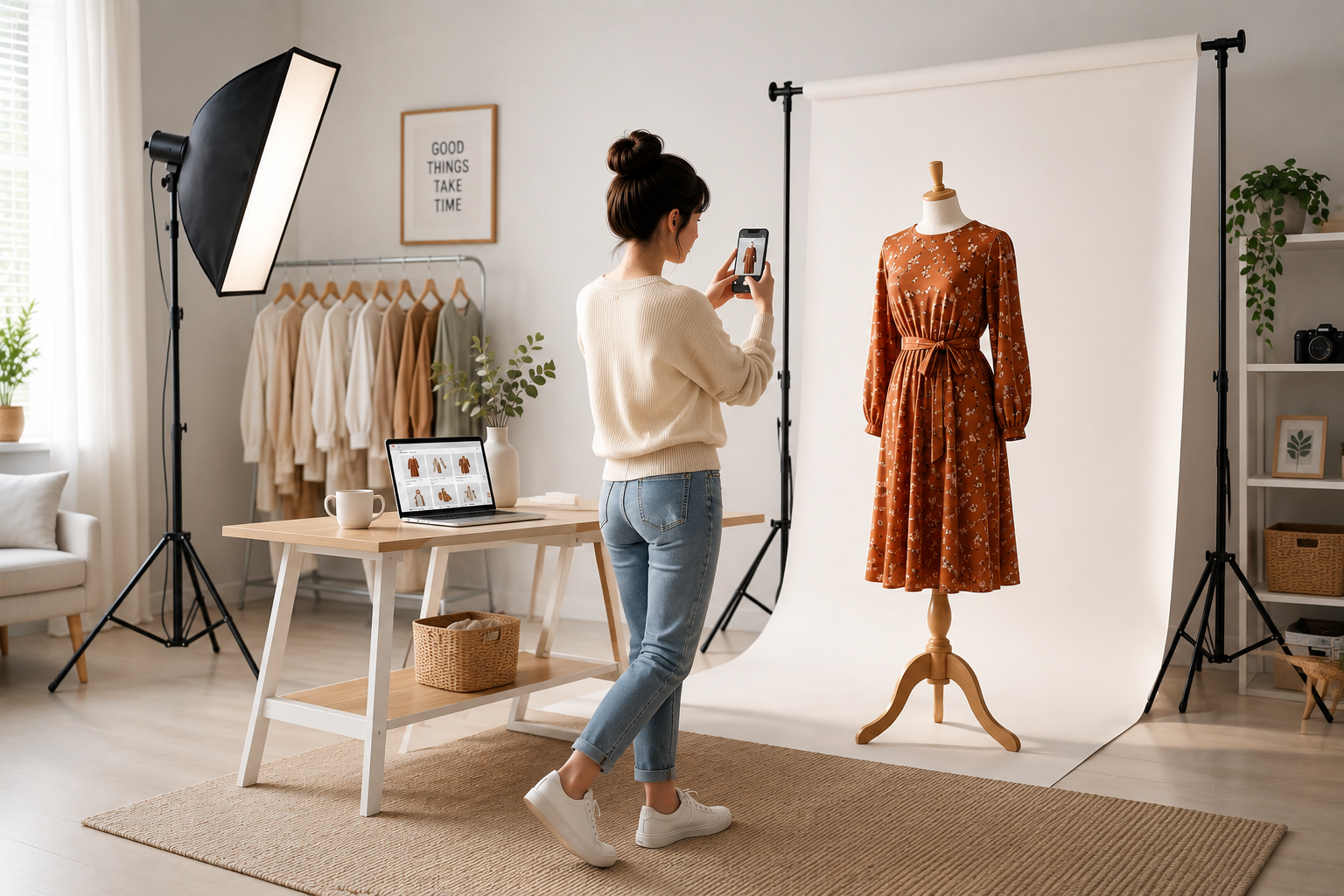
In online retail, your customer cannot touch, feel, or try out your product before purchasing. They make their decision based on a single sense: vision. Your product photographs act as your quietest yet most powerful salespeople. High-quality listing images can be the singular difference between a user scrolling past or hitting the "Buy Now" button.
Whether you sell on Amazon, Flipkart, Meesho, or Myntra, professional-looking images are crucial to winning consumer trust and scaling your orders. The best part? You don't need a premium DSLR camera or an expensive studio. With a simple smartphone and the right techniques, you can capture high-converting e-commerce photos at home.
Understand Your Marketplace Guidelines
Every e-commerce platform has its own strict algorithms and image requirements. Violating these guidelines can result in your listings being rejected, penalized, or suppressed. Here is a summary of the image requirements for India's major e-commerce marketplaces:
| Marketplace | Ideal Image Size | Background Requirement | Product Coverage | Pro Tip |
|---|---|---|---|---|
| Amazon | 1000 x 1000 pixels or larger | Pure White (RGB 255, 255, 255) | 85% of image frame | High resolution enables zoom function, which boosts trust. |
| Flipkart | Min 800 x 800 pixels (1:1 ratio) | Off-white, Light Grey, or Pastel | 80% of image frame | Maintain natural tones. Do not use highly saturated color filters. |
| Meesho | Min 500 x 500 pixels (Square/Portrait) | Clean, Neutral (White/Grey) | 75% - 85% of frame | Avoid watermarks, margins, or promotional text on the cover photo. |
| Myntra | Min 1000 x 1000 pixels (or 3:4 portrait) | Creative lifestyle / Light Grey | 80% of frame | Lifestyle flat-lays and creative setups perform exceptionally well. |
5 Master Tips to Shoot Professional Photos Using Your Smartphone
1. Leverage Natural Daylight (The Free Softbox)
Lighting is the foundation of photography. Professional studios spend thousands on softboxes, but you have access to the best light source for free: Daylight.
- Shoot Near a Window: Set up your photography table 2 to 4 feet away from a large window. Direct sunlight is too harsh and creates dark, ugly shadows; indirect natural light provides a soft, premium glow.
- Avoid Built-In Flash: Never use your phone's camera flash. It flattens the details, alters the colors of the fabric, and makes your products look cheap.
- Reflect the Shadows: Use a simple piece of white cardboard or foam board on the side opposite to the window to bounce light back onto the product, filling in unwanted shadows.
2. Set Up a Seamless Background
A cluttered background distracts customers and lowers the perceived value of your product. You want the viewer's eyes focused solely on what you are selling.
- Use White Chart Paper: For small items like jewelry, footwear, and cosmetics, buy a sheet of white chart paper. Tape it to a wall and let it sweep down onto a table to create a "seamless infinity background."
- Minimize Texture: Avoid busy wooden tables, patterned bedsheets, or tiled floors as backgrounds, unless you are purposefully shooting creative lifestyle flat-lays.
3. Capture Multiple Angles & Micro-Details
In online shopping, customers have questions about fit, fabric, and build quality. You should answer all these questions visually through multiple catalog images.
- The Hero Image: The front, clean shot. This is the first image buyers see in search results. Keep it centered and clear.
- The Supporting Views: Take side shots, back shots, and bottom views. For clothes and bags, show the inner lining and pockets.
- The Detail/Macro Shot: Zoom in closely (or use macro mode) to capture the stitching quality, fabric weave, jewelry shine, or zip quality. Showing details drastically reduces returns and increases customer trust.
4. Keep Colors Accurate (Minimize Returns)
High Return to Origin (RTO) rates eat away at e-commerce profits. One of the main reasons for returns is "product did not match the color in the image."
- No Heavy Filters: Avoid using Instagram or mobile filters that change the color profile of the image.
- Set White Balance: Tap on the screen of your smartphone to set focus, and adjust the brightness slider manually to ensure the color on the screen matches the physical product.
- Color Correct Honestly: Only do basic editing like adjusting brightness, contrast, and highlights to match real-life appearance.
5. Maintain Aspect Ratio Consistency
When someone visits your store or clicks through your catalog, consistency looks premium. Having some images in square (1:1) format and others in vertical portrait (3:4) makes your store look unorganized.
Determine your primary marketplace and crop all photos to match its preferred aspect ratio. For multi-channel sellers, Square (1:1) is the safest global standard that looks great across Amazon, Meesho, and Flipkart alike.
Common Product Photography Mistakes to Avoid
- Shaky/Blurry Images: Always keep your hands steady. Use a cheap mobile tripod or rest your phone on a stack of books to eliminate blur.
- Watermarks and Text: Avoid adding text like "Buy Now", "Best Quality", or your shop logo on the main image. Marketplaces like Amazon and Flipkart will block these listings.
- Proportion Distortion: Make sure your camera lens is held parallel to the product. Shooting from high angles can make products look distorted in size.
Conclusion
Optimizing your product catalog with high-quality photos is one of the highest-yielding investments you can make for your e-commerce business. Clearer, more detailed photos improve your Click-Through Rate (CTR), increase conversions, and directly lower your return rates. Take your time, use indirect light, shoot multiple angles, and watch your orders soar!
Frequently Asked Questions
Yes, modern smartphones have excellent cameras. By using indirect natural light, a steady tripod, and a clean white background, you can capture professional-looking product photos without buying an expensive DSLR.
A clean, pure white background is the global standard, and it is strictly required by platforms like Amazon for the main hero image. Light grey or off-white backgrounds are also widely accepted on Flipkart and Meesho.
A square 1:1 aspect ratio with a minimum resolution of 1000x1000 pixels is the safest size. It works beautifully across Amazon, Flipkart, Meesho, and Myntra, ensuring your listings are highly visible on mobile screens.
Marketplaces usually reject images due to text overlays (e.g., "Best Quality" or "Free Shipping"), brand watermarks, blurry resolutions, or non-white backgrounds on the main hero image. Keep your images clean and compliant.
🚀 Grow Your Seller Account with Our Tools
Process labels 10x faster, calculate absolute profit metrics and improve product listings instantly!