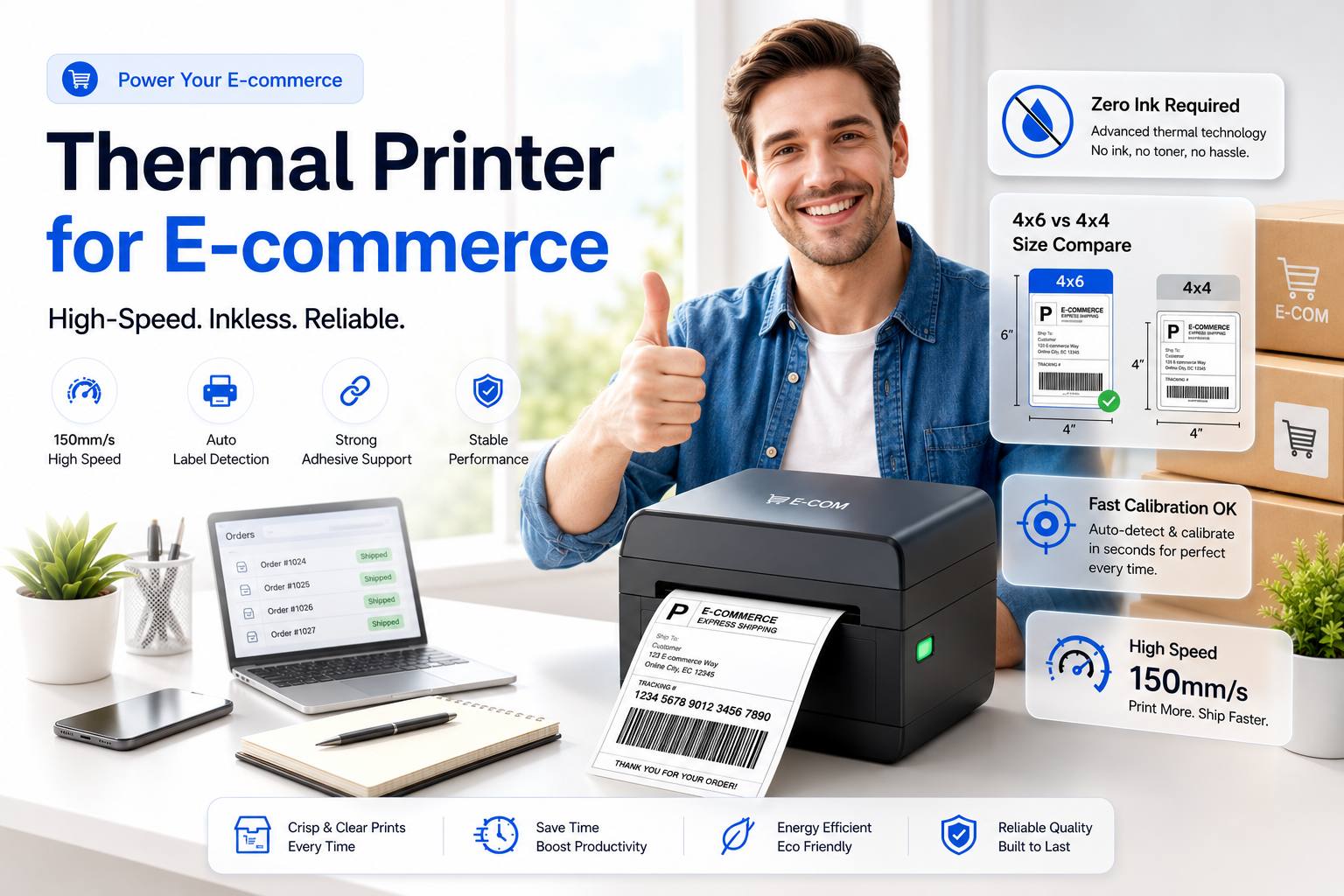
If you are serious about growing your online e-commerce business, moving away from normal inkjet or laser printers is the best decision you can make. Printing shipping labels on A4 paper, cutting them with scissors, and taping them to packages is slow, unprofessional, and expensive.
The solution? A Thermal Printer. In this guide, we will explore why you need a thermal printer, the difference between label sizes (4x6 vs 4x4), and how to set up your labels perfectly for platforms like Flipkart, Amazon, and Meesho.
What is a Thermal Printer?
Unlike traditional printers, thermal printers do not use ink or toner cartridges. Instead, they use heat to print directly onto special heat-sensitive paper (thermal rolls). This means you never have to buy expensive ink again. You only pay for the sticker rolls.
- Cost-Effective: Zero ink costs. You only buy the labels.
- Extremely Fast: Can print 60 to 80 labels per minute.
- Self-Adhesive: Just peel the printed label and stick it on the parcel. No glue or tape needed.
- Water and Smudge Resistant: Keeps the barcode perfectly scannable even during rainy deliveries.
4x6 vs 4x4 Thermal Labels: Which One to Choose?
When buying a thermal printer, the most common confusion is choosing the right label size. The size you need depends on the platforms you sell on.
The 4x6 Label (100mm x 150mm)
This is the global industry standard for shipping labels.
- Best For: Amazon, Shopify, WooCommerce, and international shipping.
- Pros: Plenty of space for long addresses, large barcodes, and tracking details.
- Cons: Rolls are slightly more expensive than smaller sizes.
The 4x4 Label (100mm x 100mm)
This square size is becoming incredibly popular among e-commerce sellers, especially in the fast-fashion and reselling sectors.
- Best For: Flipkart, Meesho, and Snapdeal.
- Pros: Saves paper costs. Perfect for small courier bags (polybags).
- Cons: Can feel cramped if the customer has a very long address.
How to Set Up Your Thermal Printer for E-commerce
Buying the printer is only half the battle. Setting it up correctly ensures your barcodes scan properly at the courier hub.
Step 1: Calibrate the Printer
Every time you load a new roll of labels, you must calibrate the printer so it knows exactly where one sticker ends and the next begins. Usually, this involves holding down the feed button until the printer beeps.
Step 2: Adjust Print Settings
When you hit "Print" on your computer, ensure the following settings are active:
- Paper Size: Select exactly 100x150mm (for 4x6) or 100x100mm (for 4x4).
- Scale/Margin: Always set scale to "Fit to Printable Area" and Margins to "None" or "Minimum".
- Density: Thermal printers let you adjust darkness. Set it between 8 and 12 for dark, crisp barcodes that courier scanners can read instantly.
Step 3: Auto-Crop Your Invoices
Platforms like Flipkart provide A4-sized PDFs with the label on top and the invoice at the bottom. To print this on a thermal printer, you need to extract just the label part.
Instead of using complicated screenshot methods, use the Flipkart Label Crop tool. It automatically identifies the exact label boundaries, cuts the label out, and creates a perfectly sized PDF for your thermal printer.
Top Thermal Printer Brands
If you are looking to purchase one, some of the most reliable brands available on Amazon include:
- TVS Electronics: Highly durable, great customer support.
- TSC: An industry leader, slightly premium but lasts for years.
- Xprinter / Everycom: Budget-friendly options that are excellent for beginners handling 50-200 orders a day.
Conclusion
Transitioning to a thermal printer is a game-changer for e-commerce dispatch. It saves time, reduces stationary costs, and gives your packages a highly professional look. Pair your new printer with AiLabelCrop's automated PDF cropping tools, and you can process hundreds of orders in minutes.
Frequently Asked Questions
Thermal printers use heat instead of ink or toner. The printer head applies controlled heat to special heat-sensitive paper (thermal labels). The heat triggers a chemical reaction in the paper coating, creating dark, smudge-proof text and barcodes.
A 4x6 label (100mm x 150mm) is the global shipping standard, best for Amazon and international shipping. A 4x4 label (100mm x 100mm) is a smaller square size, highly popular on Meesho and Flipkart because it saves paper cost and fits small packages.
Flipkart and Meesho provide shipping labels in A4-sized PDF layouts. To print them on 4x6 or 4x4 labels, you can use AiLabelCrop's free label cropping tools to instantly crop, rotate, and format the PDF for thermal printers.
🚀 Grow Your Seller Account with Our Tools
Process labels 10x faster, calculate absolute profit metrics and improve product listings instantly!